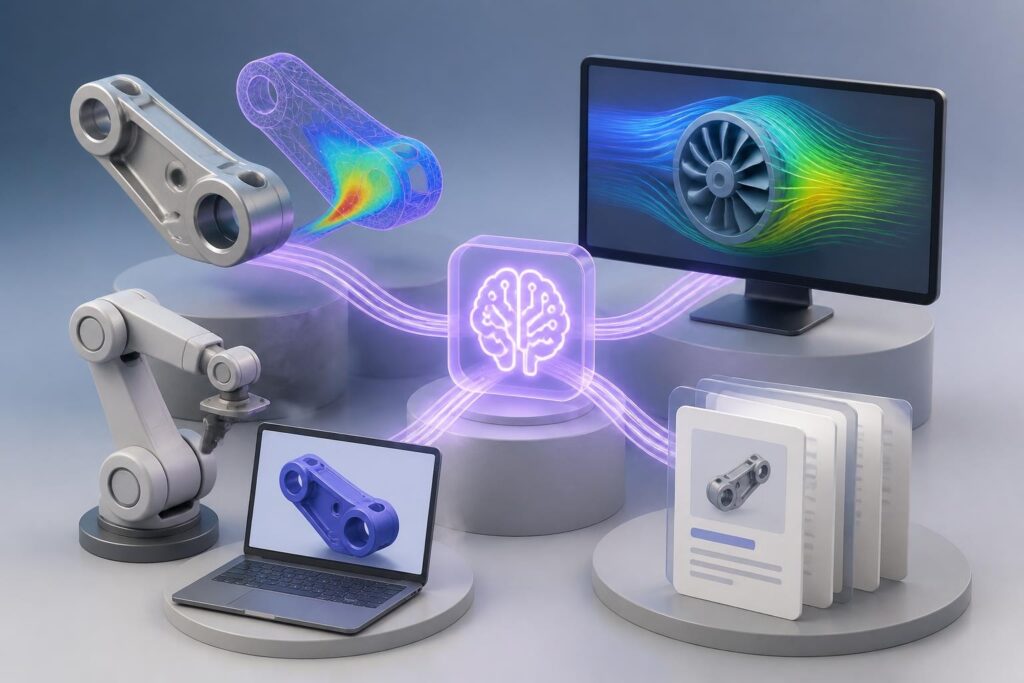
Engineering teams face increasing pressure to deliver faster, optimize designs more efficiently, and manage complex technical documentation. AI for engineering isn't about replacing human expertise. It's about automating repetitive calculations, generating technical documentation, and accelerating design iterations. This tutorial shows you exactly how to use ChatGPT and Claude to solve specific engineering problems with ready-to-use prompts you can implement today.
Generate Technical Documentation from Design Specs
Engineers spend hours writing technical reports, specifications, and documentation. AI can transform raw data and bullet points into polished technical documents in minutes.
Step 1: Prepare Your Design Data
Gather your design specifications, test results, or project parameters. You don't need perfect formatting. Just collect:
- Key measurements and dimensions
- Material specifications
- Performance requirements
- Test data or calculations
- Compliance standards
Step 2: Use This Documentation Prompt
Copy this prompt into ChatGPT or Claude, replacing the bracketed sections with your project details:
You are a technical documentation specialist. Create a professional technical specification document for [PROJECT NAME].

Include these sections:
1. Overview and Purpose
2. Technical Specifications
3. Materials and Components
4. Performance Parameters
5. Compliance Standards

Use this data:
[PASTE YOUR RAW SPECS, MEASUREMENTS, AND NOTES]

Format: Professional engineering document with clear headings, bullet points for specs, and tables for numerical data. Use precise technical language appropriate for [INDUSTRY].
Step 3: Review and Refine
The AI will generate a structured document. Review it for accuracy, then ask for specific adjustments:
- "Add a section on maintenance requirements"
- "Convert the specifications into a comparison table"
- "Include more detail on thermal performance"

Optimize Design Parameters Through Iterative Analysis
AI is transforming engineering by automating parameter optimization that would traditionally require multiple manual iterations. Instead of running calculations repeatedly, you can use AI to explore design alternatives quickly.
Setting Up Your Optimization Problem
Define your constraints and objectives clearly:
- Design variables: What parameters can change (dimensions, materials, ratios)
- Constraints: What limits must be respected (stress limits, budget, space)
- Objectives: What you're optimizing for (weight, cost, efficiency)
The Optimization Prompt
I'm optimizing a [COMPONENT/SYSTEM NAME] design. Help me analyze trade-offs and suggest optimal parameters.

Current design:
- [PARAMETER 1]: [VALUE]
- [PARAMETER 2]: [VALUE]
- [PARAMETER 3]: [VALUE]

Constraints:
- [CONSTRAINT 1]
- [CONSTRAINT 2]

Objective: Minimize [COST/WEIGHT/ETC] while maintaining [PERFORMANCE REQUIREMENT]

Analyze the relationships between parameters and suggest 3-5 alternative configurations with rationale for each. Include estimated impact on the objective function.
Example Output
For a beam design optimization, you might get:
Configuration 1: Reduced Weight Option
- Material: Aluminum 6061-T6 (instead of steel)
- Cross-section: I-beam 8×6 inches
- Wall thickness: 0.25 inches
- Estimated weight: 45% reduction
- Trade-off: 15% higher material cost, lower maximum load capacity
Configuration 2: Cost-Optimized Option
- Material: A36 Steel
- Cross-section: Rectangular tube 6×4 inches
- Wall thickness: 0.1875 inches
- Estimated cost: 30% lower than current
- Trade-off: 20% heavier, adequate for specified loads
This engineering application of artificial intelligence dramatically reduces the time from days to minutes.
Create Simulation Setup Instructions
Running simulations requires precise setup. AI can generate detailed setup checklists and parameter recommendations based on your specific scenario.
| Task | Traditional Approach | AI-Assisted Approach |
|---|---|---|
| Parameter selection | Manual reference lookup | Instant recommendations |
| Mesh settings | Trial and error | Optimized initial settings |
| Boundary conditions | Experience-based | Scenario-specific guidance |
| Result validation | Post-analysis checks | Pre-setup validation |
Simulation Setup Prompt
Generate a detailed simulation setup guide for [SIMULATION TYPE] of a [COMPONENT/SYSTEM].

Scenario details:
- Analysis type: [STATIC/DYNAMIC/THERMAL/FLUID/ETC]
- Expected conditions: [LOADS, TEMPERATURES, PRESSURES]
- Critical outputs needed: [STRESS, DEFORMATION, FLOW RATE, ETC]
- Software: [FEA/CFD PACKAGE NAME]

Provide:
1. Recommended mesh settings and element types
2. Boundary condition setup steps
3. Material properties to define
4. Solver settings and convergence criteria
5. Post-processing checks for result validation

Automate Code Review and Error Detection
Engineering software and embedded systems require rigorous code quality. AI isn’t replacing engineers but augmenting their ability to catch errors faster.
Code Review Prompt for Engineering Applications
Review this [PROGRAMMING LANGUAGE] code for engineering calculations/control systems.

Focus on:
- Numerical stability and precision issues
- Edge cases and error handling
- Performance bottlenecks
- Compliance with [RELEVANT STANDARD: MISRA C, IEC 61508, etc.]
- Documentation clarity

Code:
[PASTE YOUR CODE]

Provide specific line-by-line feedback with severity ratings (Critical/High/Medium/Low) and suggested fixes.
This approach works for MATLAB scripts, Python analysis tools, PLC ladder logic documentation, and embedded C code.
Real Example: Thermal Calculation Review
Input code snippet:
def calculate_heat_transfer(area, temp_diff, thickness):
    k = 0.8  # thermal conductivity
    q = k * area * temp_diff / thickness
    return q
AI feedback:
- Critical: No input validation. Division by zero possible if thickness = 0
- High: Hardcoded thermal conductivity prevents material flexibility
- Medium: No unit documentation. Assumes SI units but not specified
- Suggested fix: Add parameter validation, material property parameter, docstring with units
Generate Test Plans and Validation Protocols
Comprehensive testing requires systematic planning. AI excels at creating structured test protocols based on requirements and standards.
Benefits of AI-generated test plans:
- Complete coverage of specification requirements
- Standardized documentation format
- Integration of industry standards
- Faster protocol development
- Consistent structure across projects
Test Plan Generation Prompt
Create a comprehensive test and validation plan for [PRODUCT/COMPONENT].

Requirements:
[LIST KEY PERFORMANCE SPECS AND REQUIREMENTS]

Standards compliance:
[INDUSTRY STANDARDS: ISO, ASTM, MIL-STD, etc.]

Include:
1. Test objectives and scope
2. Required equipment and instrumentation
3. Step-by-step test procedures
4. Acceptance criteria for each test
5. Data recording templates
6. Safety considerations

Format as a professional test protocol document with numbered procedures and clear pass/fail criteria.
The output provides a complete starting point that you refine with project-specific details.
Translate Between Engineering Disciplines
Cross-functional projects require clear communication between mechanical, electrical, software, and systems engineers. AI bridges terminology gaps effectively.
Cross-Discipline Translation Prompt
I need to explain [CONCEPT/SYSTEM/REQUIREMENT] from [SOURCE DISCIPLINE] to a team member working in [TARGET DISCIPLINE].

Technical details:
[PASTE YOUR TECHNICAL EXPLANATION]

Translate this into terminology and concepts familiar to [TARGET DISCIPLINE] professionals. Include analogies where helpful and highlight potential integration points or concerns.

Source: [Mechanical/Electrical/Software/Chemical/Civil Engineering]
Target: [Mechanical/Electrical/Software/Chemical/Civil Engineering]
Example scenario: Explaining electrical power requirements to mechanical engineers designing an enclosure.
Input: "The system requires 480VAC three-phase, 50A service with ground fault protection and harmonic filtering for variable frequency drives."
Output: "The electrical system needs space for components roughly equivalent to three large junction boxes (12"x12"x8" each) plus ventilation for heat dissipation of approximately 2kW continuous. The main power connection point requires access for 2-inch conduit. Ground fault protection means a safety shutdown circuit that needs mounting space and may trigger from vibration, so isolate from mechanical shock sources."
Create Failure Mode Analysis Documentation
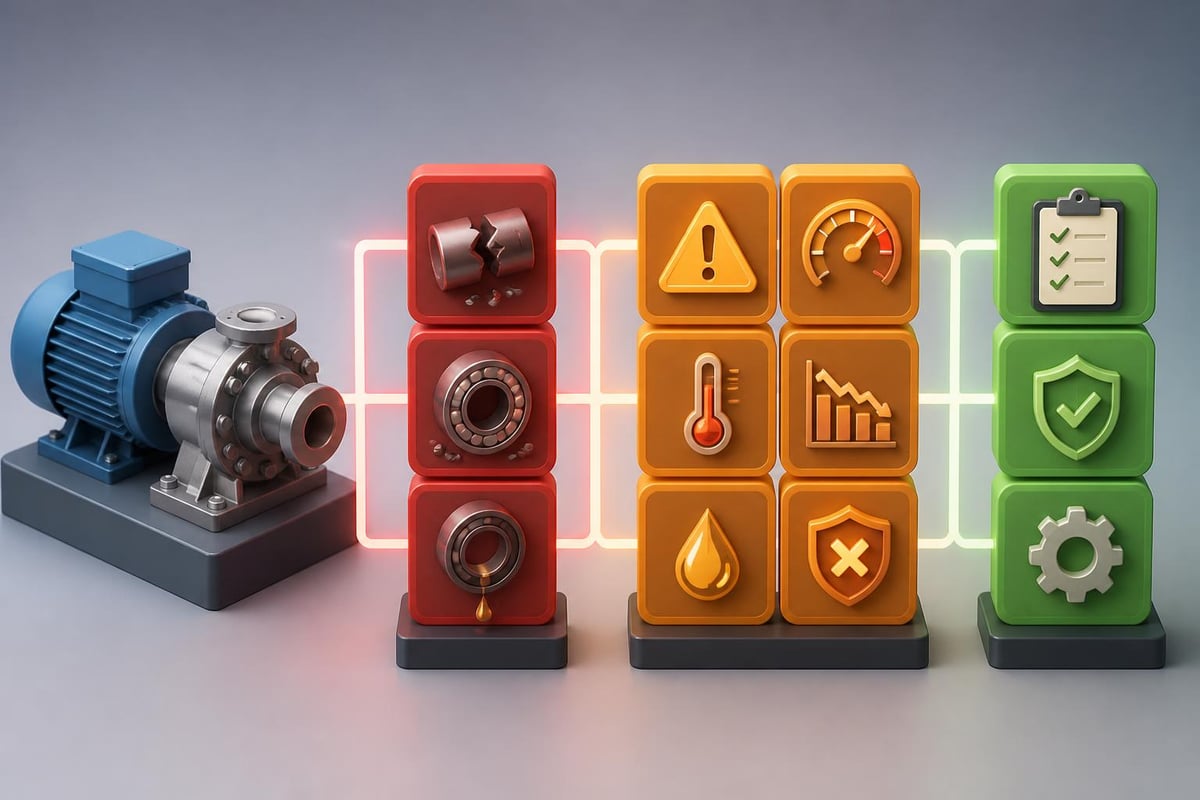
FMEA (Failure Mode and Effects Analysis) is time-intensive but critical. AI accelerates the initial analysis while maintaining thoroughness.
| FMEA Component | Traditional Time | AI-Assisted Time |
|---|---|---|
| Failure mode identification | 2-3 hours | 15-20 minutes |
| Effect analysis | 1-2 hours | 10-15 minutes |
| Severity/occurrence rating | 1 hour | 5 minutes (review) |
| Control measure suggestions | 2-3 hours | 20 minutes |
FMEA Generation Prompt
Perform an initial Failure Mode and Effects Analysis (FMEA) for [COMPONENT/SYSTEM/PROCESS].

System description:
[BRIEF DESCRIPTION OF FUNCTION AND OPERATING CONDITIONS]

Key components/steps:
[LIST MAJOR COMPONENTS OR PROCESS STEPS]

Generate an FMEA table including:
- Potential failure modes
- Potential effects of failure
- Potential causes
- Current controls
- Recommended severity (1-10)
- Recommended occurrence (1-10)
- Recommended detection (1-10)
- Suggested additional controls

Format as a standard FMEA table. Focus on [SAFETY/QUALITY/RELIABILITY] as primary concern.
Review and adjust the ratings based on your specific experience and data, but the AI provides comprehensive initial coverage that might take hours manually.
Building Practical AI Skills for Engineers
Understanding how to effectively use ai for engineering requires practice with real problems. Many engineers hesitate because they lack structured training on AI tool capabilities and limitations.
Engineers who invest in understanding AI prompting techniques report significant productivity gains. Mammoth Club offers comprehensive AI certification and training with over 3,000 courses focused on practical applications, teaching you how to use ChatGPT and Claude for engineering tasks like the ones covered here.

Advanced Prompting Techniques for Complex Engineering Problems
As you become comfortable with basic prompts, layer additional techniques for better results:
Multi-Step Problem Decomposition
Instead of asking AI to solve everything at once, break complex problems into stages:
- Analysis: "Analyze this structural loading scenario and identify critical stress points"
- Calculation: "Calculate the maximum stress at each identified point using these formulas"
- Evaluation: "Compare these stress values against material yield strength and factor of safety"
- Recommendation: "Based on this analysis, recommend design modifications"
Context Building
Provide AI with relevant background in your prompt:
Context: I'm designing a pressure vessel for industrial gas storage per ASME Section VIII Division 1.

Previous iteration: Carbon steel shell, 48" diameter, 0.5" wall thickness failed hydrostatic test at 250 psi.

Current challenge: Need to increase pressure rating to 300 psi while minimizing weight increase.

Question: What are my options for material substitution or design modification, with cost-benefit analysis for each?
The more specific context you provide, the more targeted and useful the response.
Iterative Refinement
Don't expect perfection on the first output. Use follow-up prompts:
- "Recalculate using metric units"
- "Add considerations for corrosion allowance"
- "Focus the analysis on fatigue life instead of static strength"
- "Provide this information in a comparison table format"
Research on AI in engineering applications demonstrates that iterative interaction produces significantly better results than single-query approaches.
Integration with Engineering Workflows
AI for engineering works best when integrated into existing processes, not as a replacement for established methods.
Effective integration points:
- Design review preparation: Generate documentation and analysis summaries before team reviews
- Calculation verification: Cross-check manual calculations with AI-assisted analysis
- Literature research: Summarize technical papers and standards quickly
- Client communication: Transform technical details into client-appropriate language
- Training materials: Create onboarding documentation for new team members
Less effective uses:
- Final design decisions without engineer review
- Safety-critical calculations without validation
- Direct replacement for engineering judgment
- Unsupervised code generation for production systems
Industry-Specific Applications
Different engineering disciplines benefit from tailored approaches to ai for engineering implementation.
Mechanical Engineering Applications
- Tolerance stack-up analysis generation
- Material selection matrices based on requirements
- Thermodynamic cycle optimization
- Maintenance schedule development
- Bill of materials organization
Electrical Engineering Applications
- Circuit analysis documentation
- Power budget calculations
- Signal integrity assessment guidance
- PCB design rule generation
- Cable sizing and selection
Software Engineering Applications
- Algorithm optimization suggestions
- Code documentation generation
- Test case creation
- API documentation
- Performance profiling interpretation
Civil Engineering Applications
- Load calculation documentation
- Code compliance checklists
- Construction sequence planning
- Cost estimation breakdown
- Environmental impact assessment templates
The collaborative approach between engineers and AI proves most effective when domain expertise guides AI capabilities.
Avoiding Common Pitfalls
Even experienced engineers make mistakes when first using AI tools. Watch for these issues:
Hallucinated specifications: AI sometimes invents standards or part numbers that don't exist. Always verify references to standards, product specifications, or technical data against authoritative sources.
Unit confusion: AI may mix imperial and metric units or use inconsistent notation. Explicitly specify units in your prompts and double-check all numerical results.
Oversimplified models: Complex engineering problems have nuances AI may miss. Use AI for initial analysis, then apply engineering judgment to validate assumptions.
Outdated information: AI training data has cutoff dates. For current standards or recent technology, verify information independently.
Context limits: Very long documents or complex multi-step problems may exceed AI context windows. Break large problems into manageable chunks.
Measuring Productivity Gains
Track your time savings to justify continued investment in AI for engineering:
| Activity | Baseline Time | AI-Assisted Time | Time Saved |
|---|---|---|---|
| Technical report (10 pages) | 6 hours | 2 hours | 67% |
| FMEA initial draft | 4 hours | 45 minutes | 81% |
| Code documentation | 3 hours | 1 hour | 67% |
| Design alternative analysis | 8 hours | 2.5 hours | 69% |
| Test protocol creation | 5 hours | 1.5 hours | 70% |
Your results will vary, but most engineers report 50-75% time reduction on documentation and analysis tasks after developing effective prompting skills through resources like the practical AI tutorials available for professionals.
Ethical Considerations and Professional Responsibility
Using AI for engineering doesn't change your professional obligations. Engineers remain responsible for:
- Accuracy verification: You must validate all AI-generated calculations and analysis
- Code compliance: Ensure designs meet applicable codes and standards
- Safety assurance: Review all safety-critical outputs thoroughly
- Intellectual property: Understand licensing implications of AI-generated content
- Professional liability: You bear responsibility for work products regardless of AI assistance
Many engineering licensing boards are developing guidance on AI use. Stay informed about requirements in your jurisdiction.
Building Your AI Engineering Toolkit
Start with these practical steps:
- Select your primary tool: ChatGPT Plus or Claude Pro for general engineering tasks
- Create a prompt library: Save effective prompts for repeated use
- Develop templates: Standardize inputs for common tasks
- Document results: Track what works and what doesn't
- Share knowledge: Build team capability through shared learning
The most successful engineering teams treat AI literacy as a core competency, providing training and developing best practices collaboratively.
AI for engineering delivers measurable productivity gains when applied to documentation, analysis, and routine calculations, freeing engineers to focus on creative problem-solving and critical decision-making. The key is starting with specific, well-defined problems and building skills through practice. Ready to master AI tools for your engineering work? Prompt Hero.Ai provides step-by-step tutorials with copy-and-paste prompts designed specifically for professionals who want to automate tasks, improve productivity, and solve real business problems using ChatGPT and Claude.