Learning Python has never been more accessible thanks to AI-powered tools that act as personal coding tutors. Whether you're a professional looking to automate tasks or someone starting from scratch, AI assistants can explain concepts, write code snippets, and debug your programs in real-time. This tutorial shows you exactly how to learn Python with AI using ChatGPT and Claude, with copy-paste prompts you can use today.
Why Learn Python With AI Tools
Traditional coding courses follow a fixed curriculum, but AI assistants adapt to your learning pace and answer questions specific to your projects. This personalized approach helps you understand concepts faster and apply them to real-world problems.
AI tools accelerate Python learning in several ways:
- Instant explanations of syntax and concepts when you get stuck
- Custom code examples based on your specific use case
- Debugging assistance that identifies errors and suggests fixes
- Project ideas tailored to your skill level and interests
The key advantage is interactive learning. Instead of searching through documentation or waiting for forum responses, you get immediate feedback that keeps you moving forward.
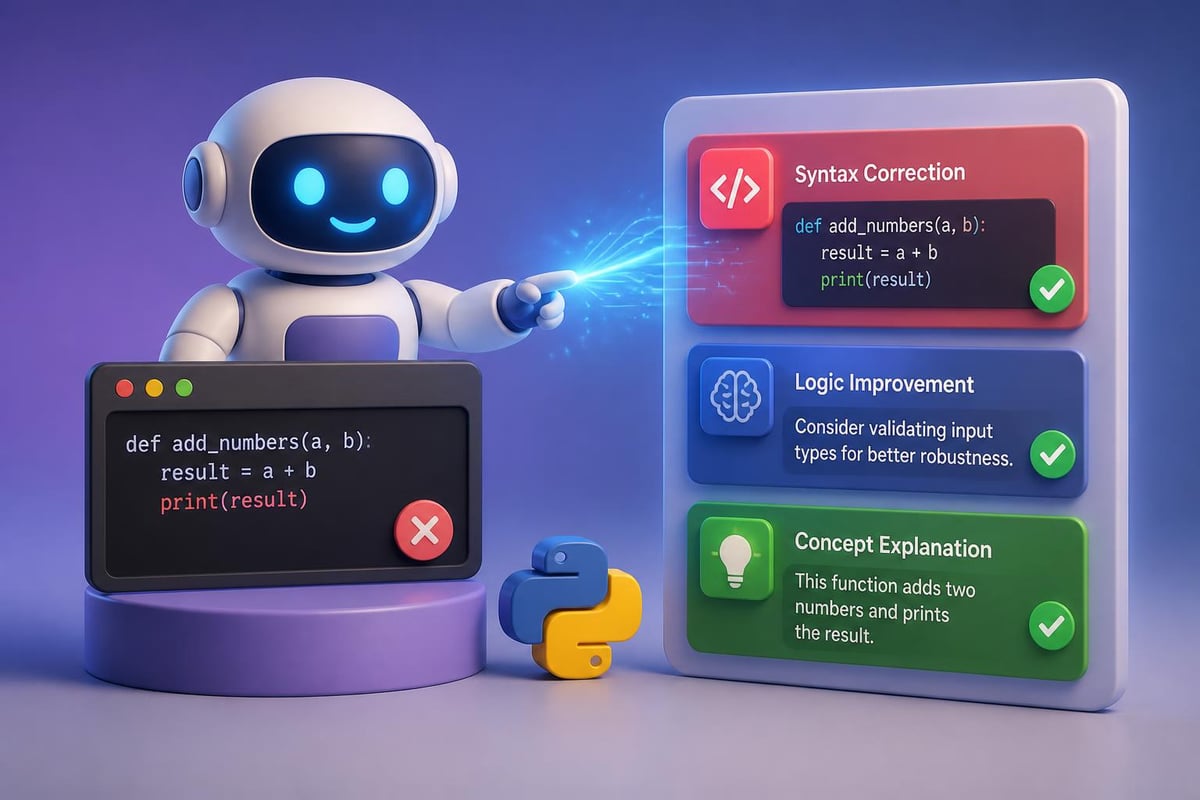
Getting Started: Your First AI-Powered Python Lesson
You don't need any prior coding experience to start. Begin with ChatGPT or Claude and use this structured approach to build foundational skills.
Step 1: Set Up Your Learning Environment
Tell the AI assistant your starting point and goals. This helps it calibrate responses to your level.
I'm a complete beginner to Python. I want to learn how to automate repetitive tasks at work, specifically processing spreadsheet data. Can you create a learning path for me starting with basic concepts? Include practice exercises after each concept.
The AI will generate a customized curriculum, typically starting with variables, data types, and basic operations, then progressing to file handling and automation.
Step 2: Learn Concepts With Interactive Examples
For each new concept, ask the AI to explain it using examples relevant to your work.
Explain Python lists using examples from project management. Show me how to create a list of tasks, add new tasks, remove completed ones, and check how many tasks remain. Include the actual code with comments explaining each line.
Example output:
# Create a list of project tasks
tasks = ["Design mockups", "Write code", "Test features", "Deploy"]

# Add a new task to the end
tasks.append("Write documentation")

# Remove a completed task
tasks.remove("Design mockups")

# Check how many tasks are left
remaining = len(tasks)
print(f"You have {remaining} tasks remaining")
# Output: You have 4 tasks remaining
This approach connects abstract concepts to familiar work scenarios, making them easier to remember and apply.
Step 3: Practice With AI-Generated Exercises
After learning a concept, request practice problems that increase in difficulty.
Create 3 practice exercises for Python lists: one beginner level, one intermediate, and one advanced. For each exercise, provide the problem description and let me solve it. Then I'll share my solution for feedback.
The AI generates problems, you attempt them, and then paste your code for review. This mirrors having a personal tutor who checks your work and explains mistakes.
Building Your First Real Project With AI Guidance
Theory only takes you so far. The fastest way to learn Python with AI is building actual projects that solve problems you care about.
| Project Type | Difficulty | Time Investment | Business Value |
|---|---|---|---|
| File organizer | Beginner | 1-2 hours | Saves 30+ min daily |
| Email automation | Intermediate | 3-4 hours | Automates outreach |
| Data analyzer | Intermediate | 4-6 hours | Generates insights |
| Web scraper | Advanced | 6-8 hours | Collects market data |
Building a File Organizer Script
This project teaches fundamental concepts while creating something immediately useful.
Step 1: Define the project scope with AI
I want to write a Python script that organizes files in my Downloads folder. It should:
- Move images to an "Images" subfolder
- Move PDFs to a "Documents" subfolder
- Move videos to a "Videos" subfolder
- Create these folders if they don't exist

Walk me through building this step-by-step. Start with the first function I need to write.
Step 2: Code each function with AI assistance
The AI will break down the project into manageable pieces. You'll learn about importing modules, working with file paths, and conditional logic.
For beginners, platforms like Codecademy’s Python with AI path provide structured courses that integrate AI tools throughout the learning process.
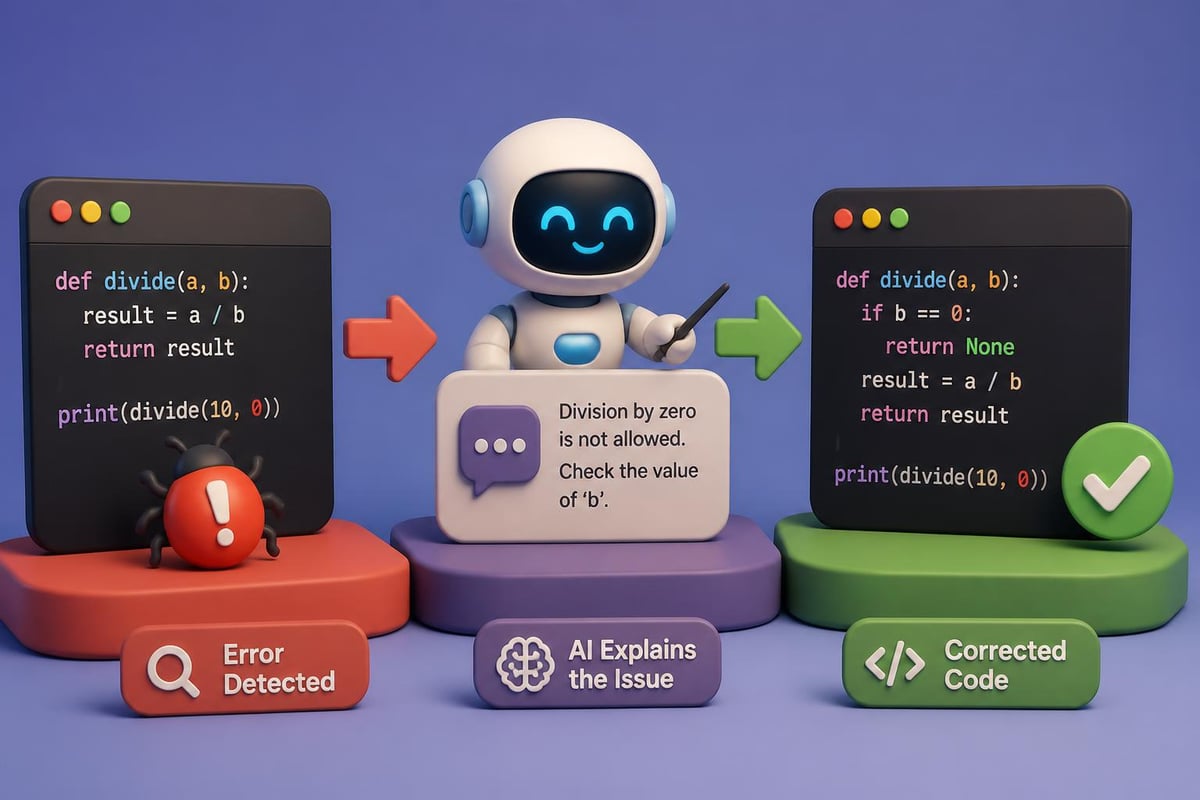
Step 3: Debug with AI when errors occur
When you encounter errors (and you will), copy the error message and your code into the AI assistant.
I'm getting this error when running my file organizer:

FileNotFoundError: [Errno 2] No such file or directory: '/Users/myname/Downloads/Images'

Here's my code:
[paste your code here]

What's wrong and how do I fix it?
The AI identifies that you need to create the directories before moving files and shows you the os.makedirs() function with the exist_ok=True parameter.
Advanced Learning: Data Analysis and Automation
Once you understand basics, AI tools help you tackle professional-level Python applications.
Automating Spreadsheet Tasks
Many professionals spend hours copying data between spreadsheets. Python's pandas library automates this, and AI makes it accessible even for beginners.
I have two Excel files: "sales_data.xlsx" and "customer_info.xlsx". I need to:
1. Load both files
2. Merge them based on the "customer_id" column
3. Calculate total sales per customer
4. Export results to a new file called "sales_summary.xlsx"

Write the complete Python script with detailed comments. Assume I've installed pandas.
The AI provides a working script that you can copy, modify for your specific files, and run immediately. This approach lets you accomplish real work while learning how the code functions.
Web Scraping for Market Research
For intermediate learners, web scraping demonstrates Python's power for gathering competitive intelligence.
Research shows that AI can generate proficient Python code for various complexity levels, making it an effective tool for learning advanced concepts like web scraping, API integration, and data processing.
Teach me web scraping by building a script that:
- Visits a product listing page
- Extracts product names and prices
- Saves results to a CSV file

Use Beautiful Soup library. Explain each section of code so I understand what's happening. Use "https://books.toscrape.com/" as the example site since it's designed for practice.
The AI delivers commented code explaining HTML parsing, CSS selectors, and file writing. You learn by running the code, seeing results, and then modifying it for other websites.
Using AI to Understand Python Libraries and Frameworks
Python's ecosystem includes thousands of libraries. AI helps you navigate this landscape and choose the right tools for your projects.
Finding the Right Library
Instead of googling "best Python library for X," ask AI for recommendations based on your specific requirements.
I need to create charts and visualizations from sales data. Compare the top 3 Python visualization libraries, focusing on:
- Ease of learning for beginners
- Types of charts each creates best
- How well they work with pandas DataFrames

Give me a simple code example for each library showing how to create a bar chart.
You'll receive a comparison of matplotlib, seaborn, and plotly with working examples, helping you choose based on actual code rather than abstract descriptions.
Learning Machine Learning Fundamentals
For professionals interested in AI applications, Python machine learning libraries open new possibilities. Tools like Imbalanced-learn and modAL provide specialized capabilities that AI assistants can help you implement.
If you want to deepen your AI and Python skills with structured certification, Mammoth Club offers comprehensive training that covers ChatGPT, Claude, and other AI tools alongside Python programming fundamentals. With access to over 3,000 courses and real-world projects, you can build job-ready skills while learning at your own pace.
I want to build a simple machine learning model that predicts customer churn based on usage data. I have a CSV file with columns: months_active, support_tickets, features_used, and churned (yes/no).

Guide me through:
1. Loading and exploring the data
2. Preparing it for machine learning
3. Training a basic model
4. Interpreting the results

Keep explanations simple and focused on understanding what each step does.
The AI breaks down the machine learning workflow into digestible steps, explaining concepts like train-test splits, feature scaling, and model evaluation without overwhelming technical jargon.
Prompts for Common Python Learning Challenges
Different learners encounter different obstacles. Here are targeted prompts for typical challenges.
When concepts seem too abstract:
I don't understand [concept]. Explain it using an analogy from [your field/interest], then show me 3 real-world examples where this concept solves actual problems.
When code doesn't work as expected:
This code should [expected behavior] but instead it [actual behavior]. Here's the code:
[paste code]

Debug this step-by-step, explaining what each part does and where the logic fails.
When you need project ideas:
I work in [your industry/role] and I've learned [list concepts you know]. Suggest 5 Python project ideas that:
- Use the skills I've learned
- Solve real problems in my work
- Take less than 8 hours to build
- Teach me one new concept

Rank them by immediate usefulness.
Best Practices for Learning Python With AI
Maximize your learning efficiency by following these proven approaches.
Active coding beats passive reading
Don't just read AI-generated code. Type it yourself, run it, break it intentionally, and fix it. This hands-on practice builds muscle memory and deeper understanding.
Ask "why" questions
When AI provides code, ask follow-up questions:
- "Why did you use a list instead of a dictionary here?"
- "What would happen if I removed this line?"
- "Is there a simpler way to accomplish this?"
These questions develop your coding intuition beyond memorizing syntax.
Build a personal prompt library
Save prompts that generate useful responses. Over time, you'll create a customized toolkit for your learning style and projects. Prompt Hero.Ai helps you discover and organize effective prompts for various AI tools.
Combine AI with traditional resources
AI assistants work best alongside structured courses. Programs like Coursera’s AI Python for Beginners, taught by Andrew Ng, provide foundational knowledge that AI tools then help you apply to specific projects.
Tracking Your Progress and Building Portfolio Projects
Measuring improvement keeps you motivated and helps identify gaps in your knowledge.
Creating a Learning Journal
Use AI to help document your learning journey.
I just completed [project/concept]. Help me write a brief summary for my learning journal that includes:
- What I learned
- Challenges I overcame
- How I could apply this in 3 different scenarios
- What I should learn next to build on this

Keep it under 200 words.
This reflection solidifies learning and creates a portfolio artifact showing your growth.
Building a GitHub Portfolio
GitHub showcases your coding skills to potential employers or clients. AI can guide you through Git basics and help document your projects professionally.
I want to upload my file organizer script to GitHub. Walk me through:
1. Creating a repository
2. Writing a clear README that explains what the project does
3. Adding comments to make my code professional
4. Describing the project's potential applications

Provide the exact commands I need to run and the README template.
This transforms learning exercises into portfolio pieces that demonstrate practical skills.
Troubleshooting Common Beginner Mistakes
Everyone makes mistakes when learning to code. AI helps you identify patterns in your errors and develop better coding habits.
| Error Type | Common Cause | AI Solution Approach |
|---|---|---|
| Syntax errors | Missing colons, brackets | Ask AI to review code structure |
| Logic errors | Incorrect conditions | Request step-by-step logic explanation |
| Import errors | Missing libraries | Have AI explain package installation |
| Type errors | Wrong data types | Ask for type conversion examples |
Preventing indentation errors:
Python's indentation requirements frustrate beginners. Instead of just fixing errors, ask AI to explain Python's indentation logic.
I keep getting indentation errors. Explain Python's indentation rules using visual examples. Then review this code and mark where indentation is wrong:
[paste code]
Understanding the underlying principle prevents future mistakes more effectively than simply fixing individual errors.

Staying Current With Python Updates and Best Practices
Python evolves constantly. AI tools help you learn modern practices rather than outdated approaches.
What are the most important Python features introduced in 2024-2026 that beginners should know? For each feature, explain:
- What problem it solves
- A simple code example
- When to use it instead of older approaches
This keeps your skills relevant as the language evolves.
Platforms like Xccelerate’s Python with AI course combine current best practices with real client projects, ensuring you learn industry-standard approaches.
From Learning to Earning: Applying Python Skills Professionally
The ultimate goal is using Python to improve your work or create new opportunities.
Automating Your Current Job
Identify repetitive tasks in your workflow and use AI to help automate them.
I spend 2 hours daily copying data from email attachments into our CRM spreadsheet. The emails follow this format: [describe format]. The spreadsheet has these columns: [list columns].

Design a Python automation solution that:
- Monitors my email for these attachments
- Extracts the relevant data
- Appends it to the spreadsheet
- Sends me a summary

Break this into phases I can build incrementally, starting with the simplest version that provides value.
This approach creates immediate ROI from your Python skills while building toward more sophisticated automation.
Freelancing With Python Skills
After 3-6 months of consistent practice, you can take on simple Python projects.
I want to start freelancing with Python. Based on my skills in [list your strongest areas], suggest 5 types of projects I could offer. For each, provide:
- Service description
- Typical client
- Estimated time to complete
- Fair pricing range for 2026
- Skills I'd need to strengthen before offering this service
AI helps you realistically assess marketable skills and identify knowledge gaps to address before pursuing paid work.
Learning Python with AI transforms what once required months of structured courses into a personalized, project-based journey you can complete in weeks. By using AI assistants as interactive tutors, you get immediate feedback, custom examples, and debugging help tailored to your specific goals. Whether you're automating work tasks or building new career skills, the combination of Python and AI creates unprecedented learning efficiency. Ready to put these techniques into practice? Prompt Hero.Ai provides step-by-step AI tutorials and copy-paste prompts designed for professionals who want to automate tasks, boost productivity, and solve real business problems starting today.